My Home Lab: Where I Break Things So I Don't Break Yours!
Why I Built a Home Lab
Technology changes too quickly to rely only on what I encounter during my day job.
Some technologies I may never touch at work. Others I might only get to use once or twice a year. A home lab gives me a place to practice, experiment, and make mistakes without affecting production systems.
Think of it as my personal sandbox.
If something crashes…
Good.
That usually means I’m learning something.
My Goals
When I started building my lab, I had a few simple goals:
- Learn Azure and Microsoft cloud technologies
- Improve my Windows Server administration skills
- Practice networking concepts
- Explore virtualization
- Test cybersecurity tools and best practices
- Create repeatable documentation
- Build projects that demonstrate real-world experience
The lab isn’t just for learning.
It’s also become the foundation for many of the blog posts I write here.
If I explain how to configure something, there’s a good chance I’ve already built it, broken it, fixed it, and documented the entire process.
Current Hardware
Like many home labs, mine didn’t start with expensive enterprise equipment.
It started with hardware I already had.
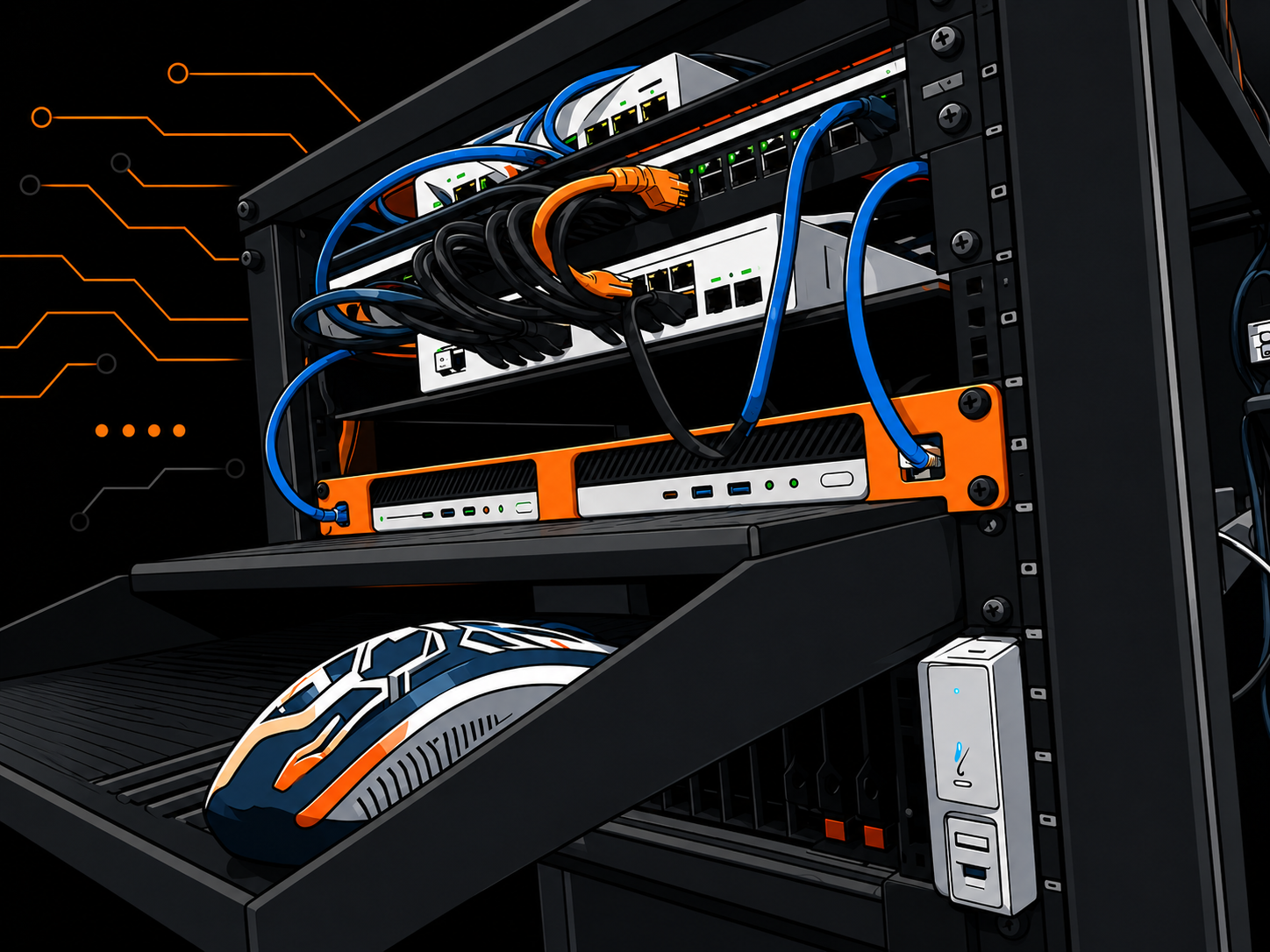
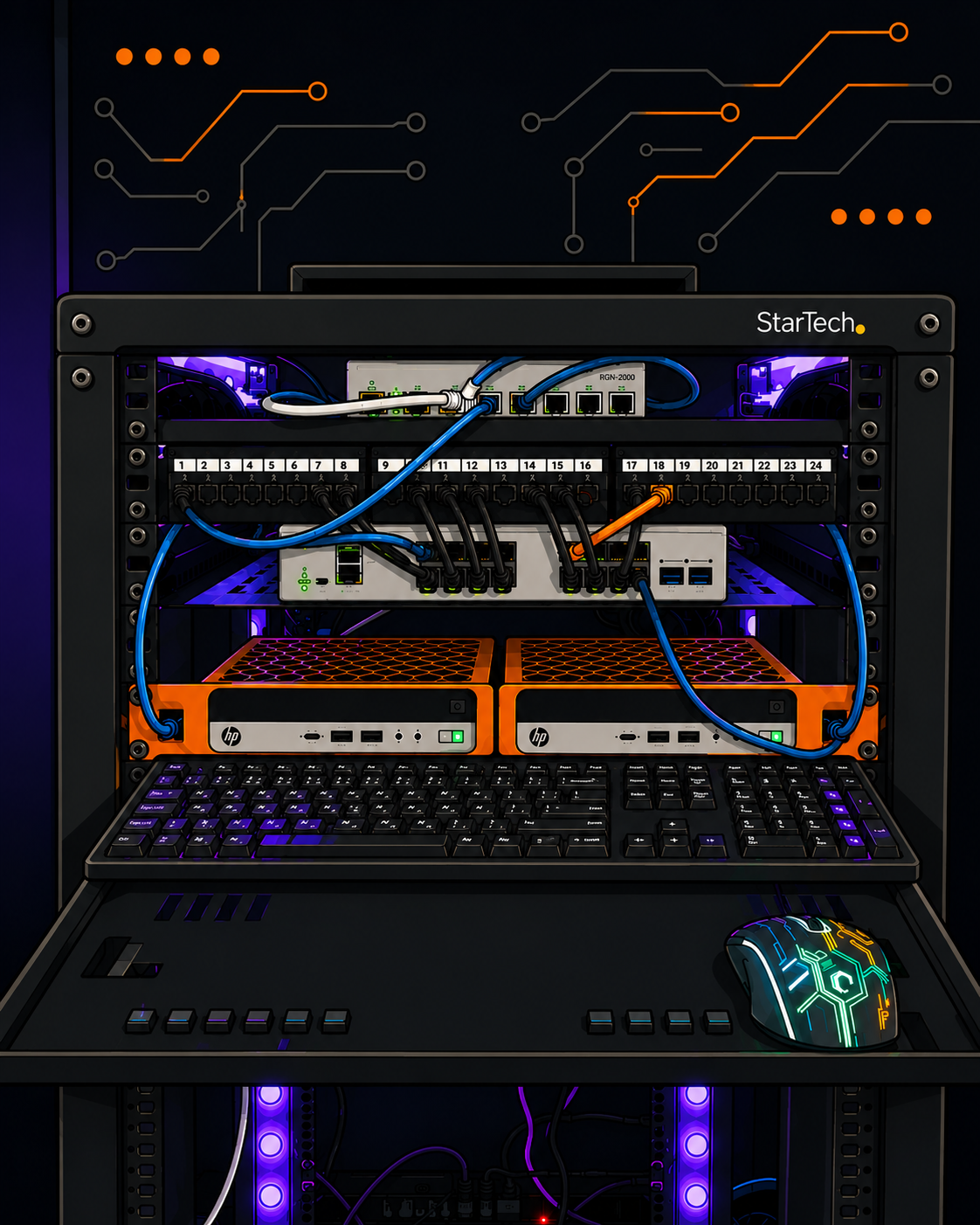
Today the lab includes:
- HP EliteDesk Mini
- Dell OptiPlex systems
- Managed networking equipment
- Multiple Windows 11 test machines
- Virtual machines running Hyper-V
- Various networking devices used for testing
One of the best lessons I’ve learned is that you don’t need a rack full of enterprise servers to gain valuable experience.
Start with what you have.
Upgrade when you actually need to.
Technologies I’m Learning
My lab is constantly changing, but these are some of the technologies I’m currently working with:
- Microsoft Azure
- Microsoft Entra ID
- Windows Server
- Active Directory
- DNS
- DHCP
- Group Policy
- Hyper-V
- Microsoft 365 administration
- PowerShell
- Windows deployment
- Networking fundamentals
- Wi-Fi optimization
- Endpoint security
- Microsoft Intune (future projects)
Every project teaches me something new.
Sometimes that lesson is planned.
Sometimes Windows decides otherwise.
Current Projects
Some of the projects I’ve been working on include:
Active Directory Lab
Building a complete Windows domain from scratch while practicing:
- User management
- Organizational Units
- Group Policy
- DNS
- DHCP
- File permissions
Azure Learning
Exploring Microsoft’s cloud platform by working with:
- Virtual Machines
- Virtual Networks
- Resource Groups
- Storage Accounts
- Identity Management
Microsoft 365 Administration
Learning how organizations manage:
- Users
- Licensing
- Exchange Online
- Security
- Authentication
- Conditional Access
Network Testing
One area I enjoy is improving Wi-Fi performance.
I’ve spent time learning:
- Wireless coverage
- Access point placement
- Signal optimization
- Basic VLAN concepts
- Troubleshooting slow networks
Documenting Everything
One habit I’ve developed is documenting nearly everything I build.
If I solve a problem once, I don’t want Future Francisco spending another three hours figuring it out again.
Documentation also helps me turn technical projects into blog posts that others can follow.
If something I learned can save someone else time, that’s a win.
What’s Next?
My lab is always evolving.
Some future projects include:
- Azure Hybrid Identity
- Microsoft Intune
- Windows Autopilot
- AI tools for IT support
- Docker containers
- Linux server administration
- VPN solutions
- Advanced networking
- Cybersecurity hardening
As I complete these projects, you’ll probably see articles about them here on the site.