

Why Cybersecurity Matters
Good cybersecurity protects you from:
- Identity theft
- Financial fraud
- Ransomware
- Data loss
- Unauthorized access
- Business downtime
For small businesses, a single breach can lead to lost revenue, damaged reputation, and legal consequences. For home users, it can mean stolen accounts, locked devices, or compromised personal information.
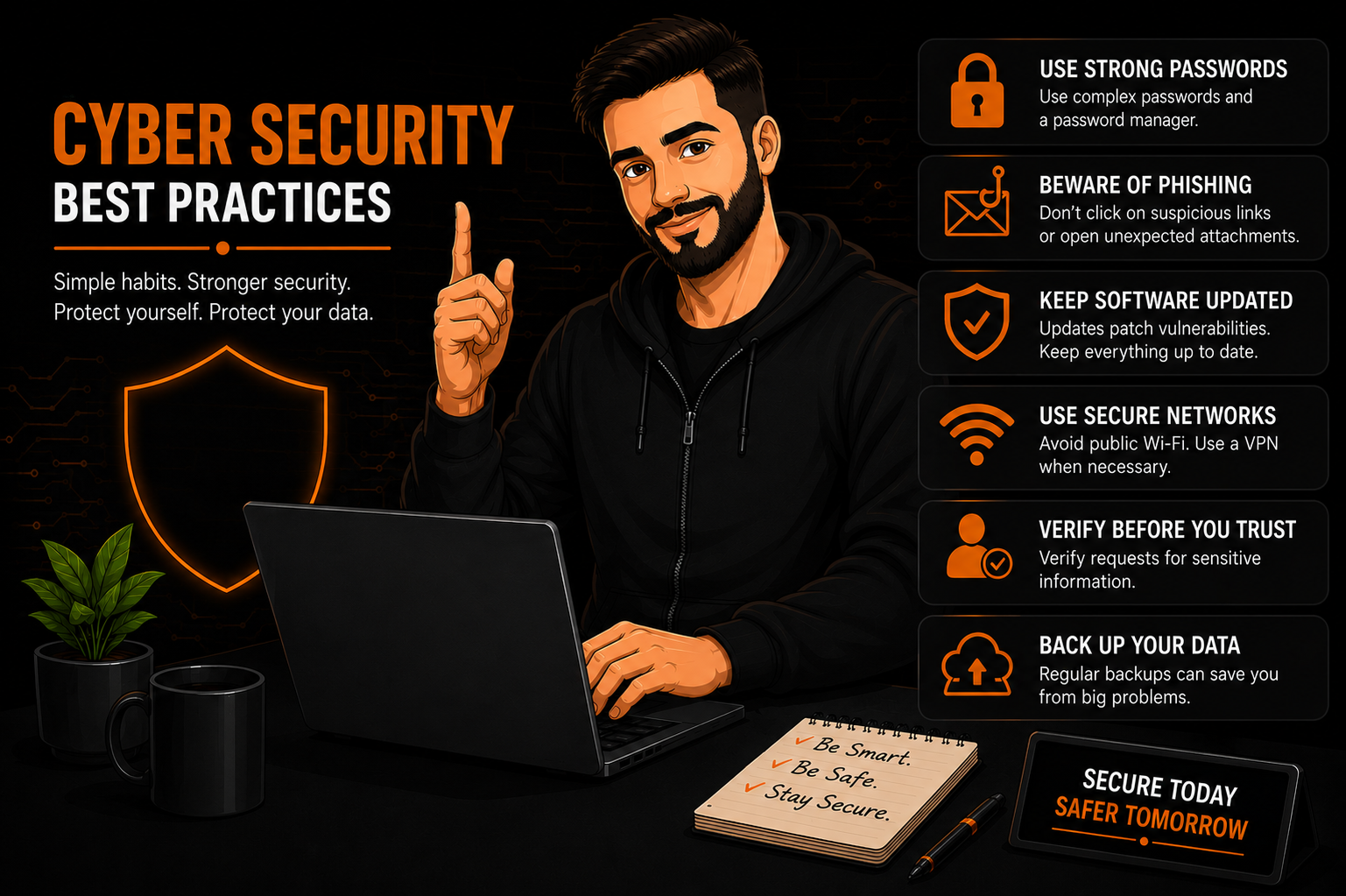
1. Use Strong, Unique Passwords
Weak passwords are one of the biggest security risks.
Best Practices
- Use 12–16+ characters
- Mix letters, numbers, and symbols
- Avoid names, birthdays, or common words
- Never reuse passwords across accounts
Use a Password Manager
Tools like Bitwarden, 1Password, or KeePass help you generate and store strong passwords securely.
2. Enable Multi‑Factor Authentication (MFA)
MFA adds a second layer of protection — even if someone steals your password, they can’t log in without the second factor.
Common MFA Methods
- Authenticator apps (Microsoft Authenticator, Google Authenticator)
- SMS codes (less secure, but better than nothing)
- Hardware keys (YubiKey, Feitian)
Enable MFA on:
- Banking
- Social media
- Business apps
- Cloud storage
3. Keep Your Devices & Software Updated
Updates patch vulnerabilities that attackers actively exploit.
Update Regularly
- Operating systems (Windows, macOS, Linux)
- Browsers
- Antivirus
- Office apps
- VPN clients
- Firmware (routers, APs, switches)
Turn on automatic updates whenever possible.
4. Be Cautious With Email & Links
Phishing is the #1 way attackers trick users.
Avoid Clicking When:
- The email looks suspicious
- The sender is unknown
- The link looks strange or misspelled
- The message pressures you (“urgent”, “your account will close”)
Verify Before You Act
- Hover over links to preview the URL
- Contact the sender directly if unsure
- Never download unexpected attachments
5. Use Antivirus & Anti‑Malware Tools
Even basic protection can stop common threats.
Recommendations
- Windows Defender (excellent for most users)
- Malwarebytes (on‑demand scanning)
- Endpoint protection for small businesses
Keep real‑time protection enabled.
6. Secure Your Wi‑Fi Network
Your network is the gateway to your devices.
Best Practices
- Use WPA2 or WPA3
- Change default router passwords
- Create a guest network for visitors
- Disable WPS
- Keep your router/AP firmware updated
For small businesses, consider VLANs to separate sensitive systems.
7. Backup Your Data
Ransomware and hardware failures happen — backups save you.
Use the 3‑2‑1 Rule
- 3 copies of your data
- 2 different storage types
- 1 offsite or cloud backup
Cloud storage (OneDrive, Google Drive) is great for everyday users.
8. Practice Safe Browsing
Simple habits prevent big problems.
Do:
- Use HTTPS websites
- Avoid pirated software
- Download apps only from trusted sources
- Use privacy‑focused browsers or extensions
Don’t:
- Install random browser extensions
- Ignore browser warnings
- Use outdated plugins
9. Lock Your Devices
Physical security matters too.
Always:
- Use a PIN or password
- Enable auto‑lock
- Avoid leaving devices unattended
- Use device encryption (BitLocker, FileVault)
Small businesses should enforce screen‑lock policies.
10. Know the Signs of a Cyber Threat
Watch for:
- Unexpected pop‑ups
- Slow performance
- Unknown programs
- Password reset emails you didn’t request
- Suspicious login alerts
- Browser redirects
If something feels off, investigate immediately.
Final Thoughts
Cybersecurity doesn’t have to be complicated. With strong passwords, regular updates, cautious clicking, and good data habits, you can protect yourself — and your business — from most common threats. A few simple practices dramatically reduce your risk and keep your digital life safe.
If you want, I can also create:
- A shorter “Top 10 Cybersecurity Tips” version
- A printable checklist for employees
- A version tailored specifically for small businesses
- A matching Elementor header or excerpt for your site
Just tell me the style you want next.
